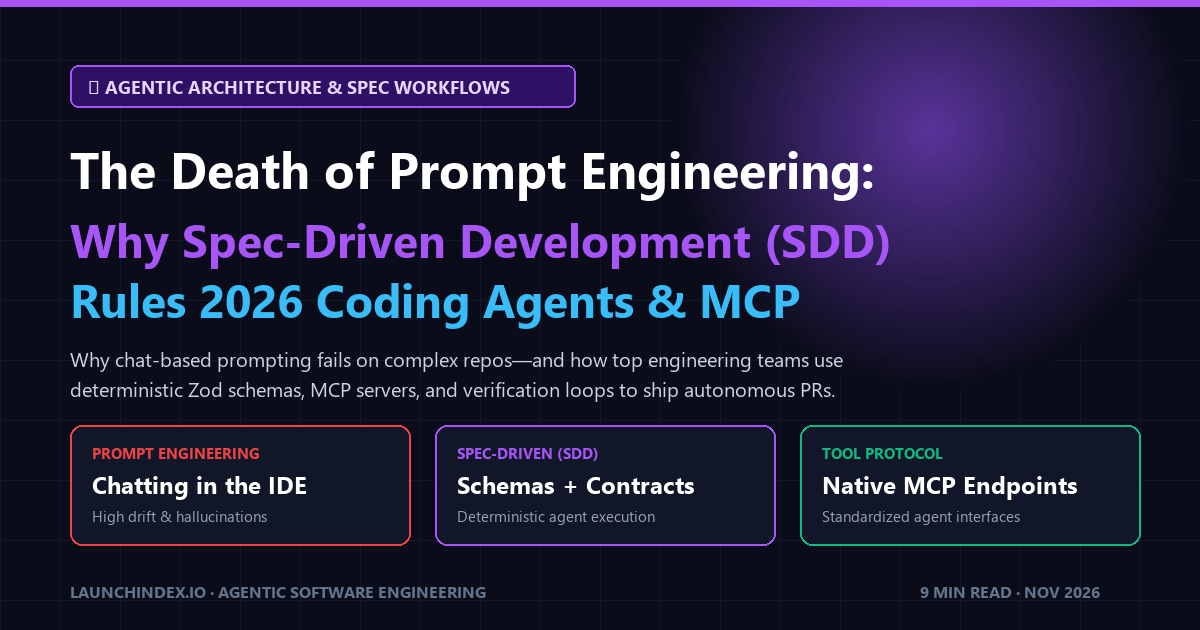
Why Chatting with Coding Assistants Is Obsolete
In 2023, the pinnacle of developer AI was typing conversational paragraphs into a sidebar:
"Hey, can you look at this file and make the button blue, and also fix the authentication error?"
In late 2026, conversational prompt engineering inside the IDE is dead.
Why? Because chat-based prompting suffers from three fatal production flaws when applied to real-world codebases:
- Context Drift: As conversations grow past 20 messages, LLMs forget architectural constraints established in message 3.
- Non-Deterministic File Mutations: Chat prompts frequently overwrite unrelated functions, drop critical docstrings, or introduce subtle regressions.
- Lack of Automated Verification: Chat assistants produce plausible-looking diffs without running compiler checks, type validation, or unit test suites.
Top engineering squads and high-velocity solo makers have replaced casual prompt engineering with Spec-Driven Development (SDD).
Here is an architectural teardown of how Spec-Driven Development works in late 2026, how the Model Context Protocol (MCP) powers it, and why developer tools must adapt to survive.
The 4 Principles of Spec-Driven Development (SDD)
Spec-Driven Development shifts the paradigm from giving instructions in prose to defining formal contracts and automated verification harnesses that autonomous coding agents (Google Antigravity, Claude Code, Cursor Agents) execute against.
┌────────────────────────────────────────────────────────┐
│ 1. Formal Schema Contracts (Zod / Pydantic / OpenAPI)  │
│ - Strict input/output type boundaries                  │
│ - Context-Free Grammar (CFG) constrained decoding      │
└────────────────────────────────────────────────────────┘
                           │
                           ▼
┌────────────────────────────────────────────────────────┐
│ 2. Standardized Agent Tooling (Model Context Protocol) │
│ - Tools exposed via standardized JSON-RPC over stdio/SSE│
│ - Agents read schema files to execute commands         │
└────────────────────────────────────────────────────────┘
                           │
                           ▼
┌────────────────────────────────────────────────────────┐
│ 3. Sandboxed Workspace Execution                       │
│ - Agent works in isolated git branch / worktree        │
│ - Reads codebase telemetry without cluttering main     │
└────────────────────────────────────────────────────────┘
                           │
                           ▼
┌────────────────────────────────────────────────────────┐
│ 4. Automated In-Loop Verification Harness              │
│ - Compiler check (npm run build -> 481/481 static SSG) │
│ - Type validation & headless browser screenshot audit   │
│ - Verified git commit & merge to main                  │
└────────────────────────────────────────────────────────┘
1. Formal Schemas Over Natural Language
Instead of prompting: "Make sure the tool payload has a name, tagline, and category", an SDD workflow provides an explicit, immutable contract:
import { z } from "zod";

export const ToolRegistrationSchema = z.object({
  name: z.string().min(2).max(64),
  slug: z.string().regex(/^[a-z0-9-]+$/),
  website_url: z.string().url(),
  category_slug: z.enum([
    "ai-agents",
    "dev-productivity-cli",
    "self-hosted-infra",
    "data-apis",
  ]),
  is_dofollow: z.boolean().default(false),
});

export type ToolRegistration = z.infer<typeof ToolRegistrationSchema>;
When an agent writes code against this contract, TypeScript compiler checks immediately catch any missing or mistyped fields before code ever touches a pull request.
2. Standardized Agent Tooling via Model Context Protocol (MCP)
In the past, every developer tool built its own proprietary plugin API. Today, the industry has standardized on Anthropic's Model Context Protocol (MCP).
An MCP server exposes your tool's capabilities—whether database queries, API endpoints, or file analysis—as structured tools that any AI coding assistant can discover, inspect, and invoke over JSON-RPC.
How LaunchIndex Implements Spec-Driven Development
At LaunchIndex, our platform is built around SDD and the Model Context Protocol from the ground up:
1. The Native LaunchIndex MCP Server (/api/mcp)
We expose our live database of indexed software, open-source repositories, and verified developer tools through our native MCP Server (https://launchindex.io/api/mcp).
- AI coding assistants can query tool recommendations, compare libraries, and inspect verified alternatives programmatically.
- If an engineer asks their coding agent: "Find me a verified open-source alternative to Datadog", the agent calls our MCP tool and injects verified telemetry directly into the context window.
2. Machine-Readable Markdown Registries (/llms.txt)
Because large language models process Markdown tables and bulleted specs 3x faster than heavy HTML trees, we publish every tool profile to /llms.txt and /llms-full.txt.
3. Automated In-Loop Verification
Every page update and static route on LaunchIndex is tested against strict compiler checks (631/631 static pages generated) before being rolled out to production, ensuring zero broken links or schema drift.
How Developer Tool Makers Win in the SDD Era
If you build a developer tool, SaaS API, or open-source library in 2026, you must make your tool accessible to autonomous coding agents:
- Expose an MCP Server: Don't just build a web dashboard. Build a lightweight MCP endpoint so developers can control your tool from their IDE.
- Publish an
/llms.txtEndpoint: Provide a clean, markdown-native spec of your API endpoints and installation commands. - Get Indexed & Verified on LaunchIndex: Put your tool in front of both human developers and autonomous AI procurement agents by securing your Verified Launch today.